Languages

-
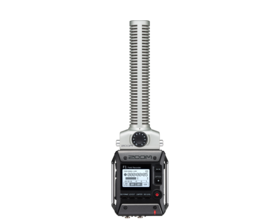 F1-SPField Recorder
 -
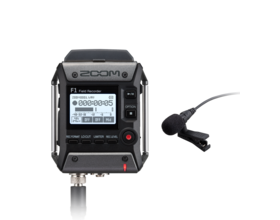 F1-LPField Recorder
 -
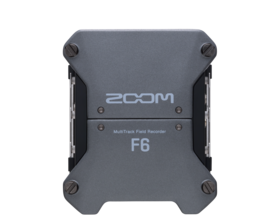 F6MultiTrack Field Recorder
 -
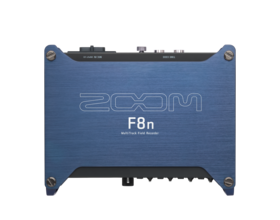 F8nMultiTrack Field Recorder
 -
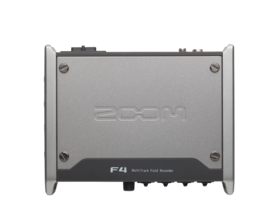 F4MultiTrack Field Recorder
 -
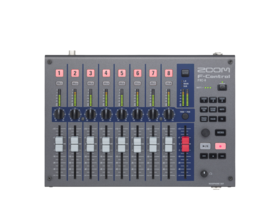 F-ControlFRC-8 F-Series Remote Controller
 -
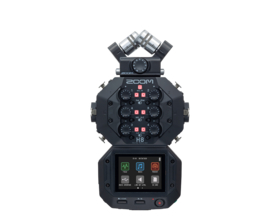 H8Handy Recorder
 -
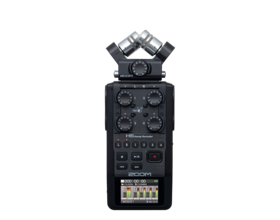 H6Handy Recorder
 -
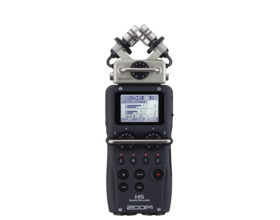 H5Handy Recorder
 -
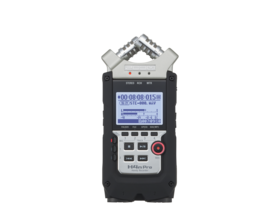 H4n ProHandy Recorder
 -
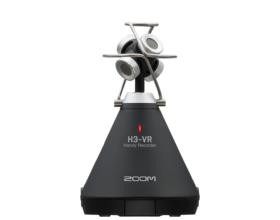 H3-VRHandy Recorder
 -
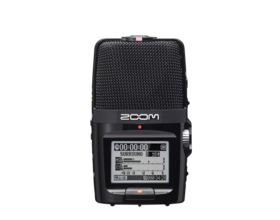 H2nHandy Recorder
 -
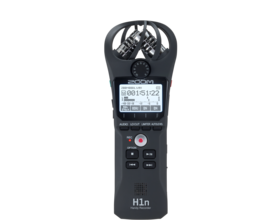 H1nHandy Recorder
 -
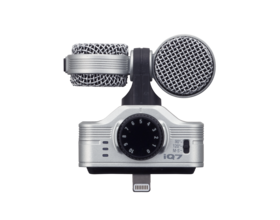 iQ7For the iPhone, iPad, and iPod Touch
 -
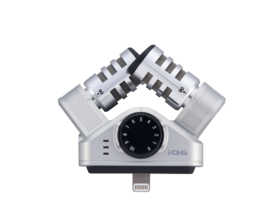 iQ6For the iPhone, iPad, and iPod Touch
 - Go to Field Recording